Step 1: Install EB Spoke Diagrams module
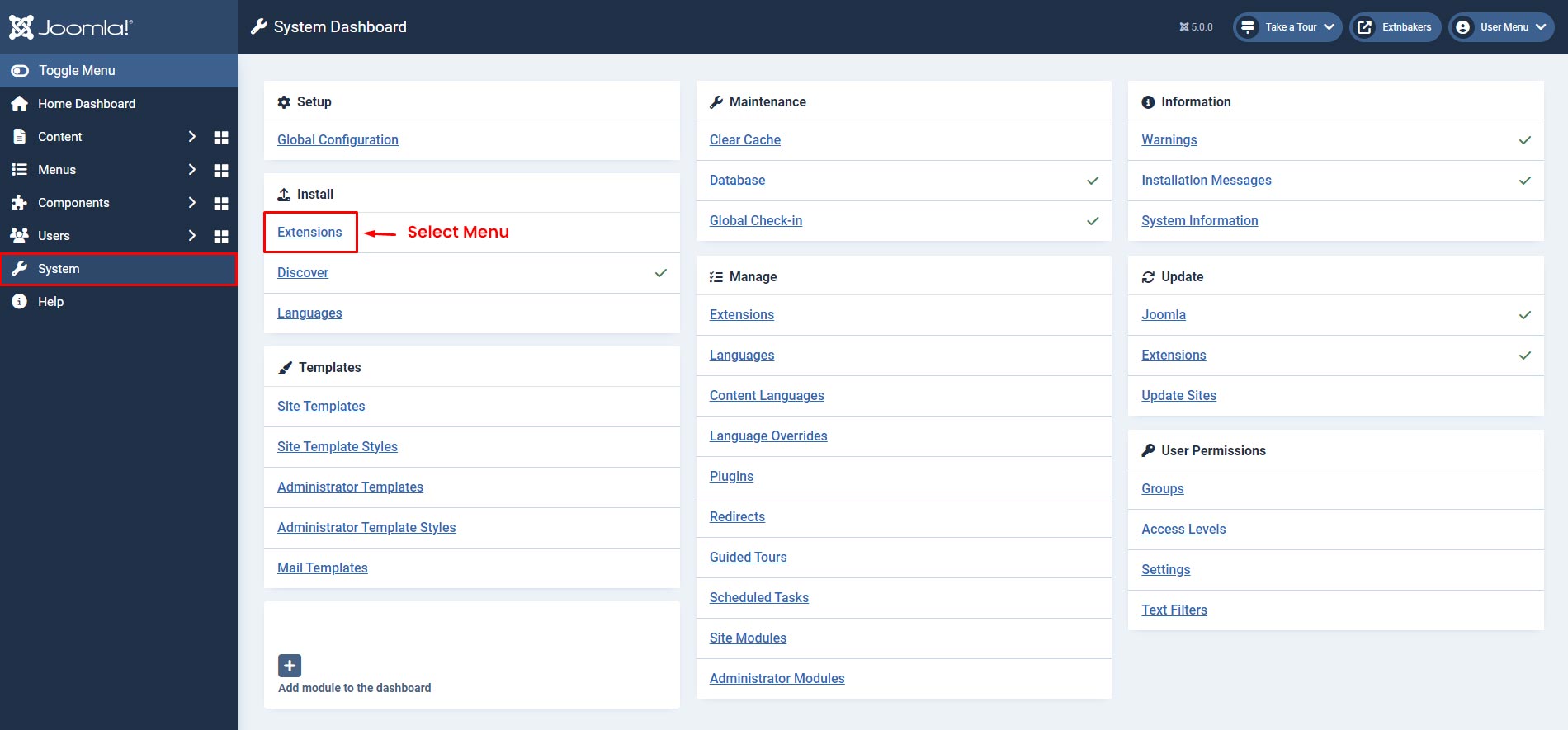
- Login to Joomla administrator panel and Go to System -> Extensions
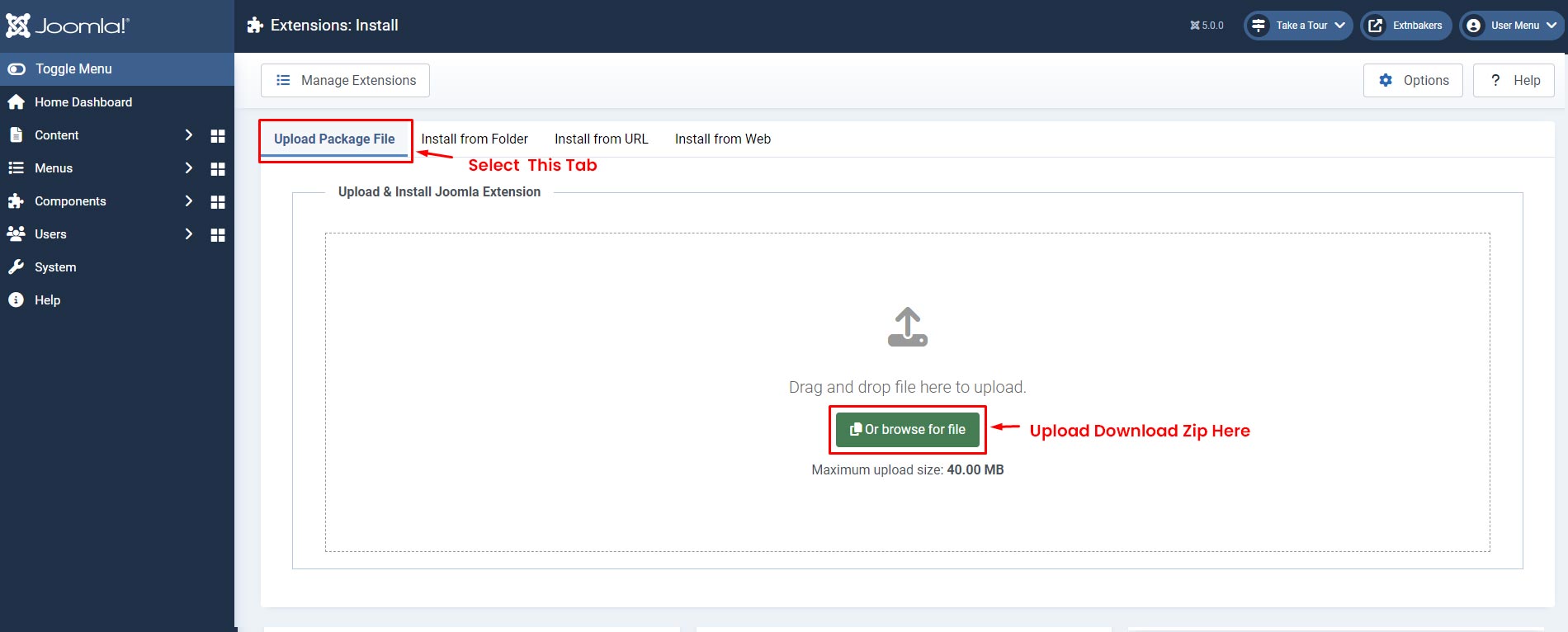
- Select the "Upload Package File" Tab, Then Upload Downloaded Zip
Step 2: Go to EB Spoke Diagrams Module
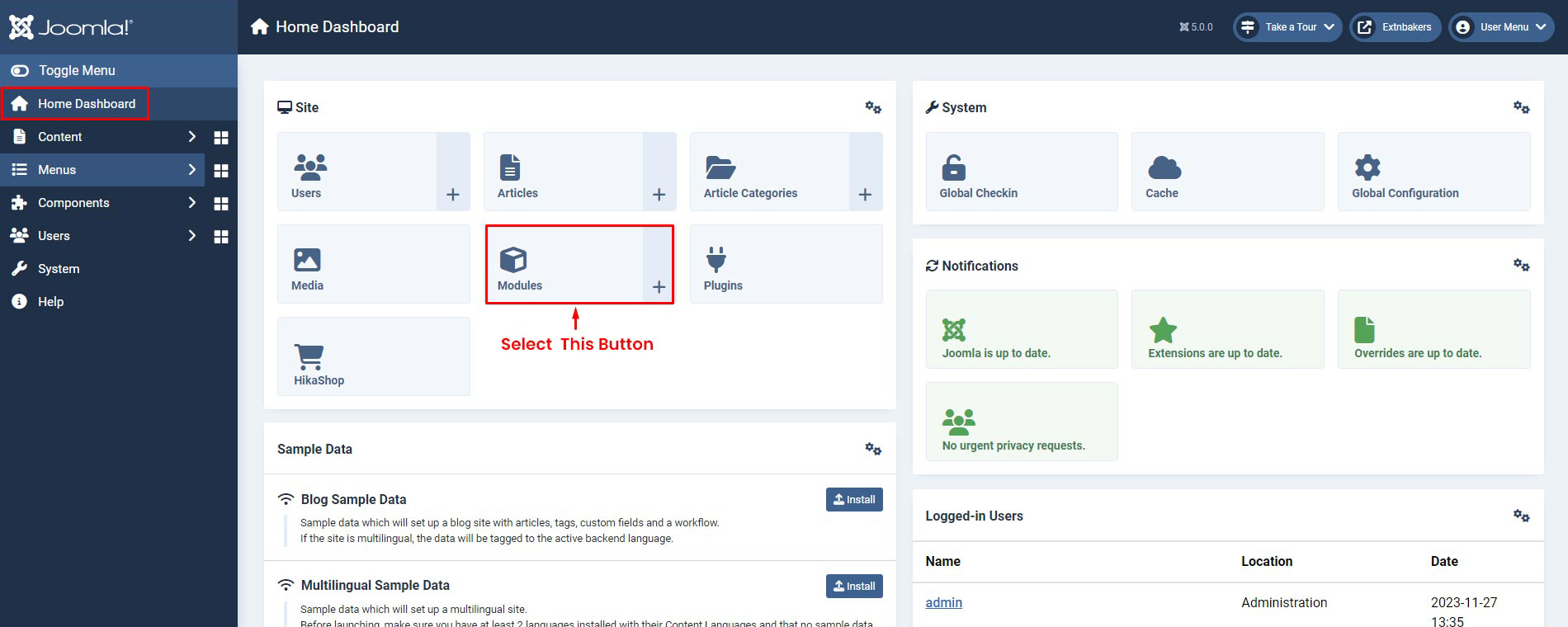
- Go to Home Dashboard -> Modules
Step 3: Module Page
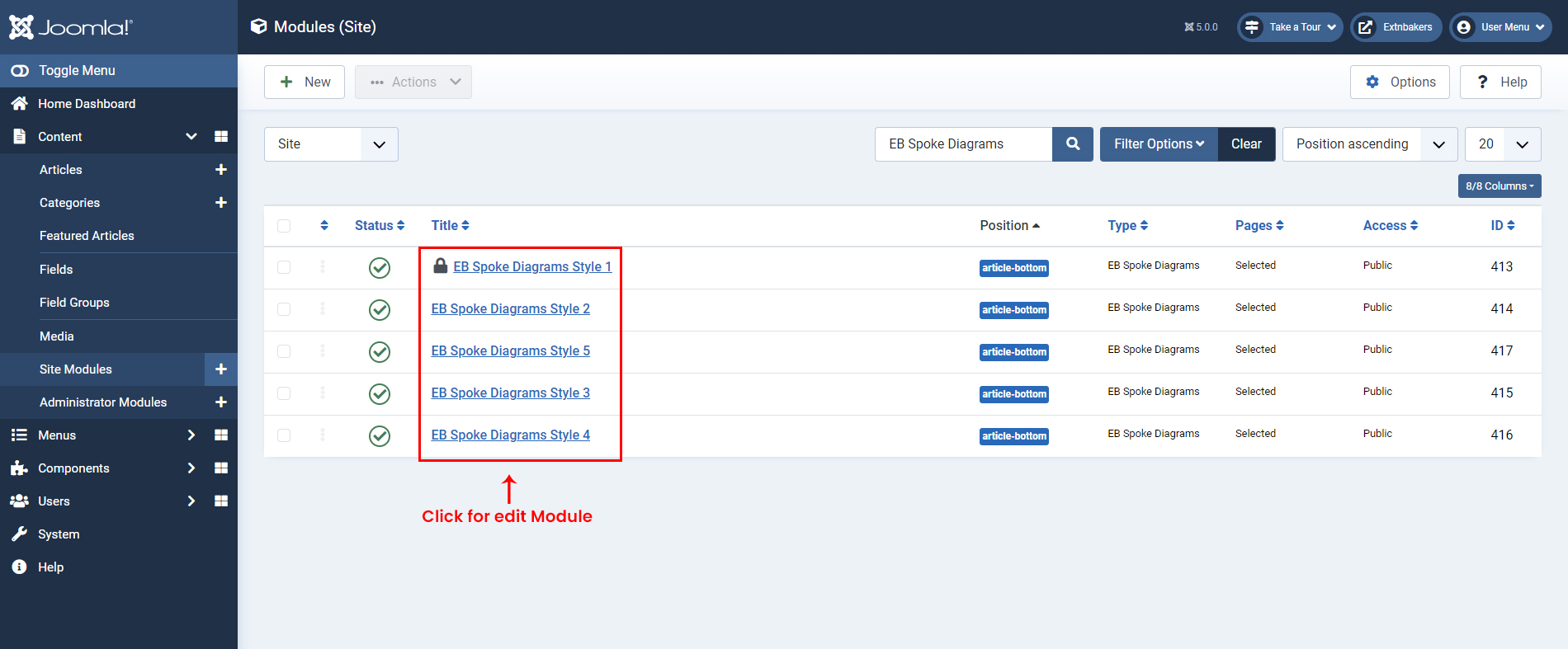
- Search for "EB Spoke Diagrams" in the Search box and click on "EB Spoke Diagrams" module to start editing screenshot
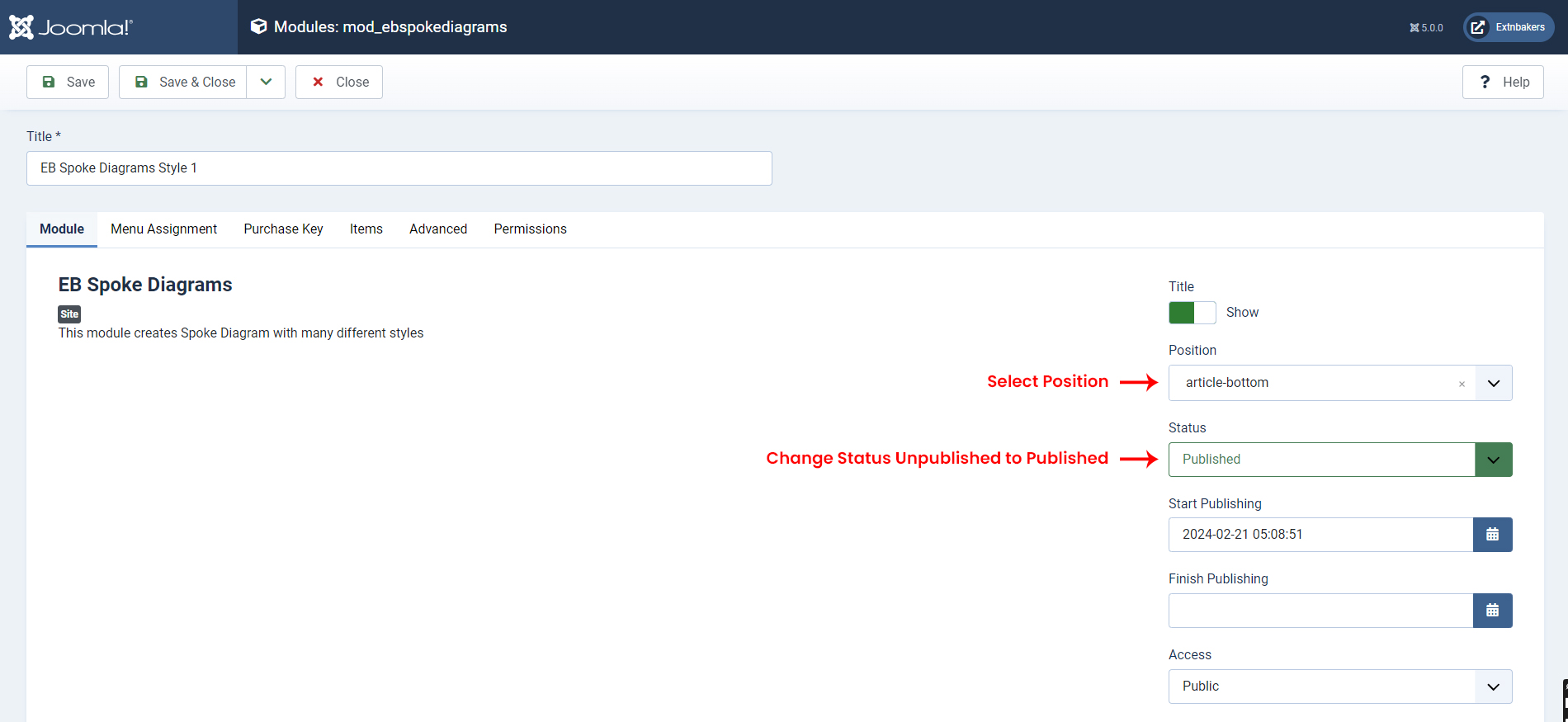
- On the Module Edit Page, Select Position for EB Spoke Diagrams module for display and Change status from Unpublished to Published screenshot
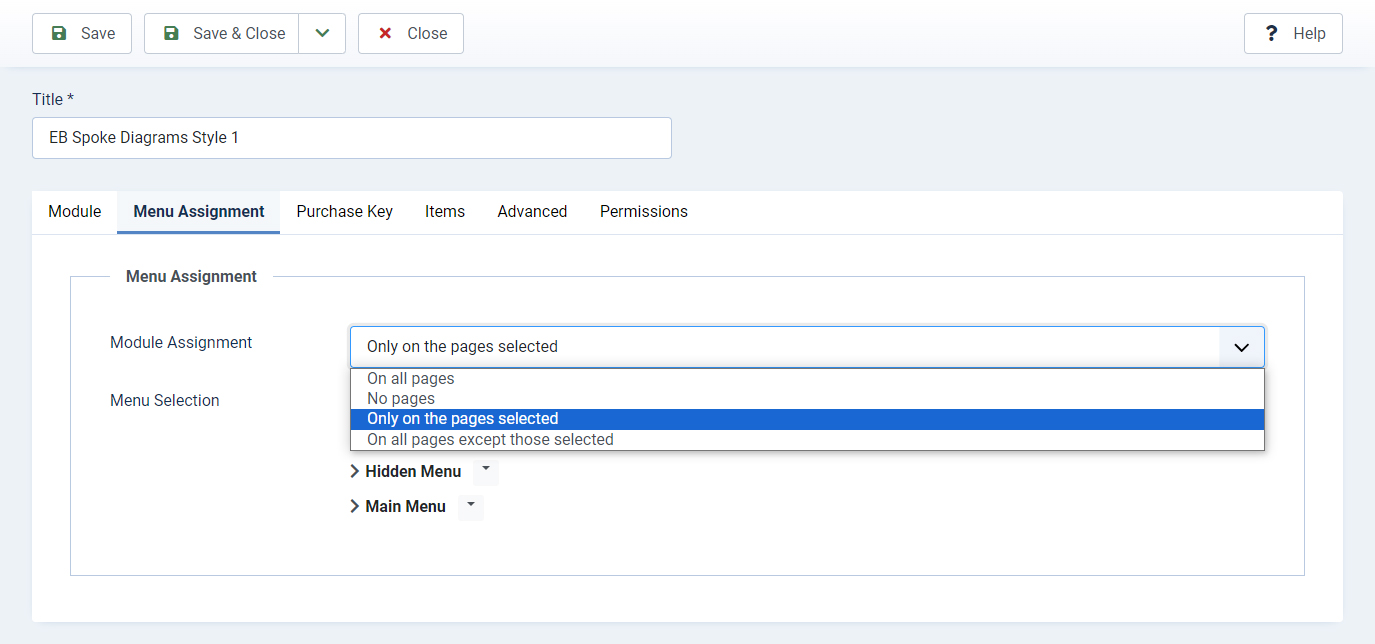
Menu Assignment
- Configure Page where you want to display EB Spoke Diagrams Module screenshot
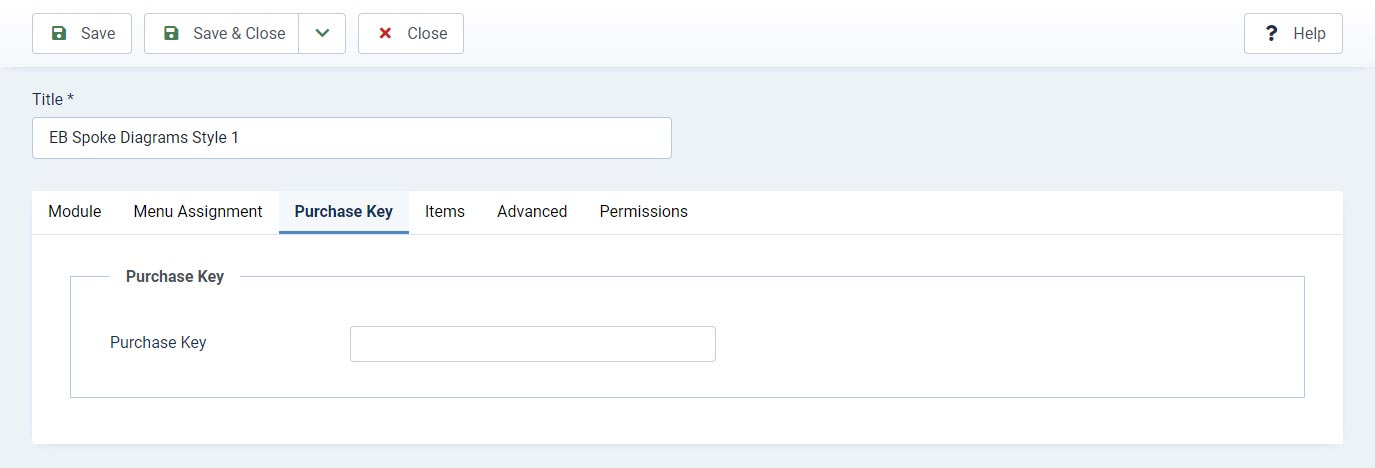
Purchase Key
- Enter the purchase key to enable auto updates
Items
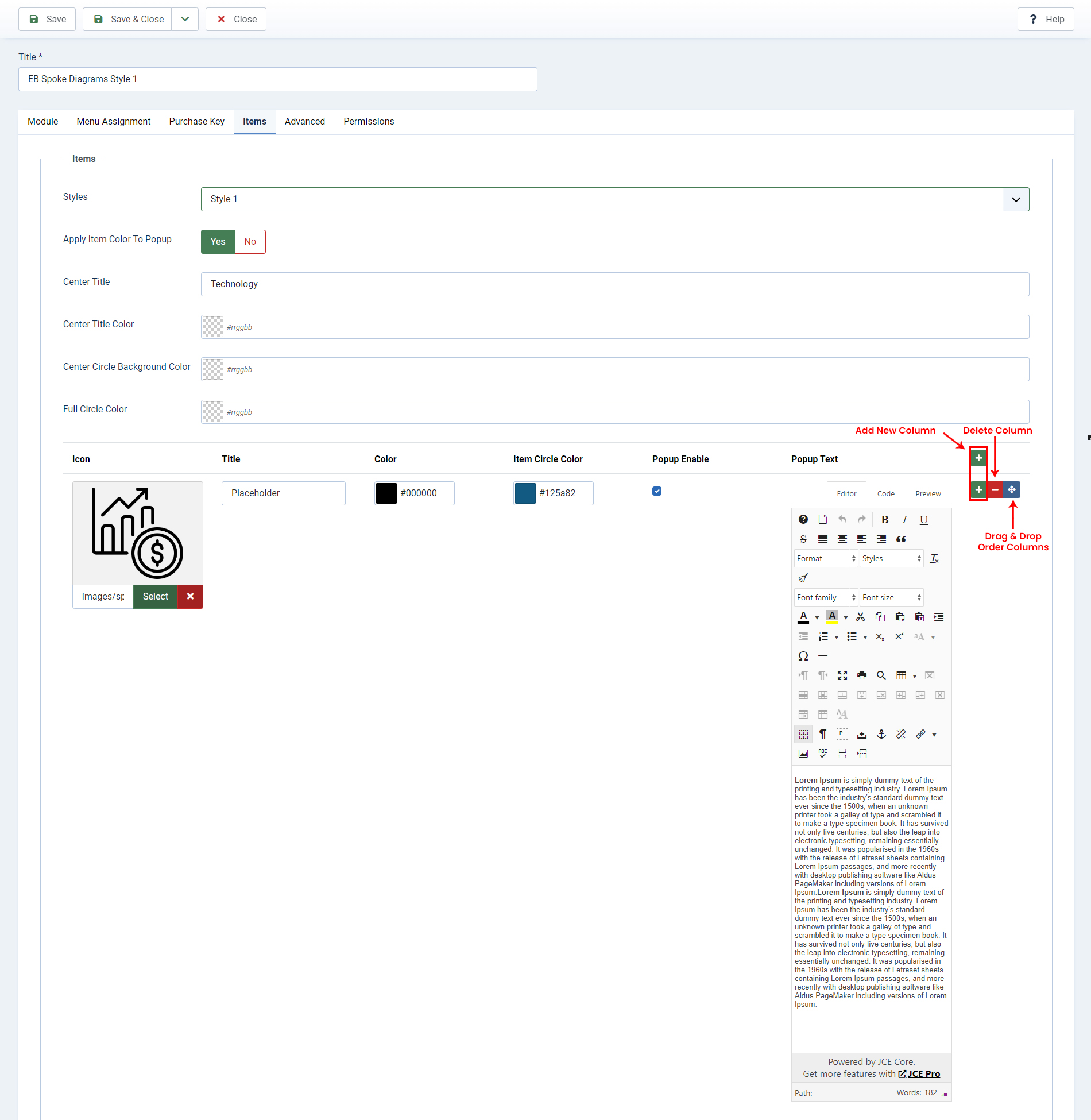
- Style 1
- Apply Item Color To Popup
- Center Title
- Center Title Color
- Center Circle Background Color
- Full Circle Color
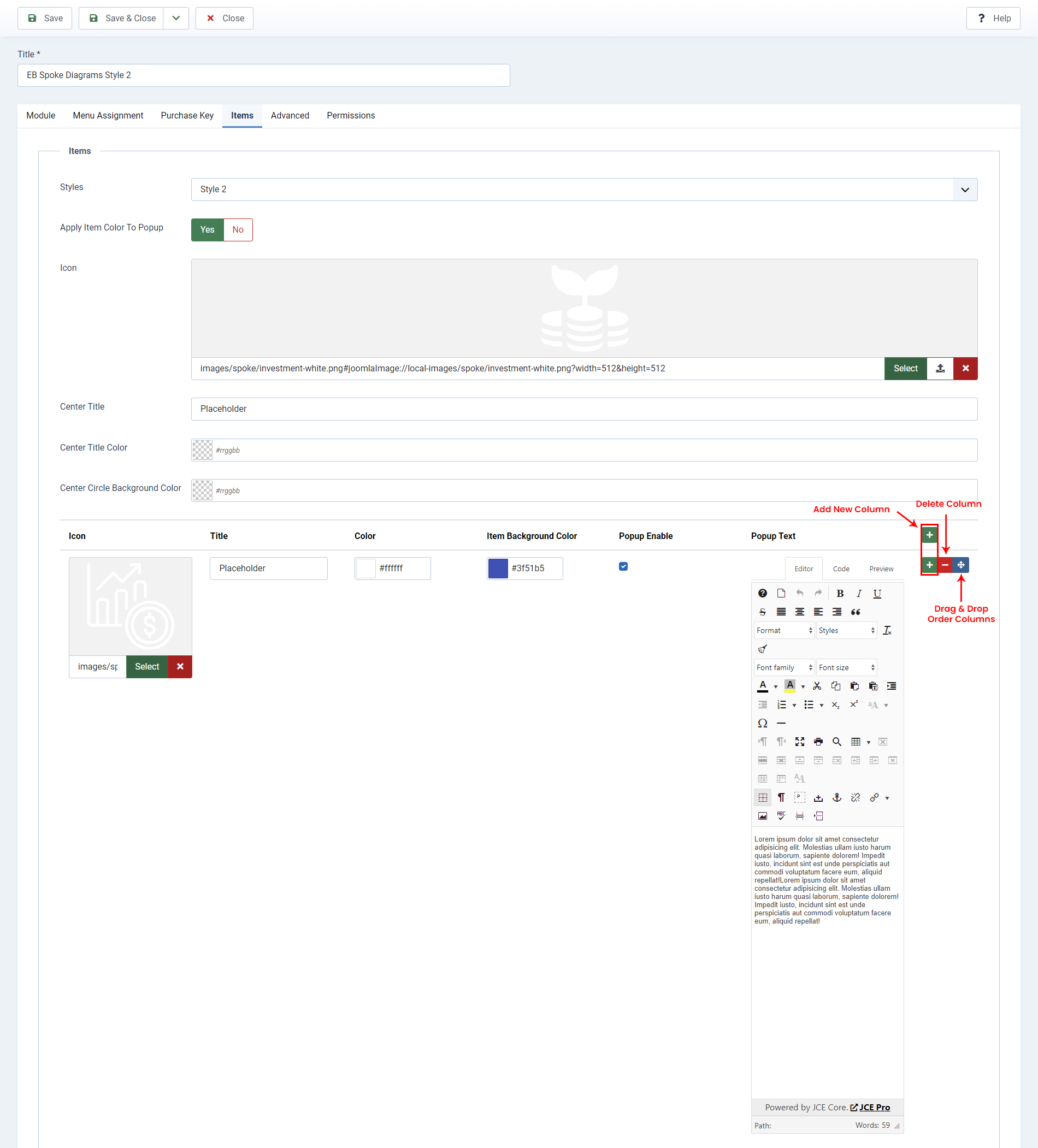
- Style 2
- Apply Item Color To Popup
- Icon
- Center Title
- Center Title Color
- Center Circle Background Color
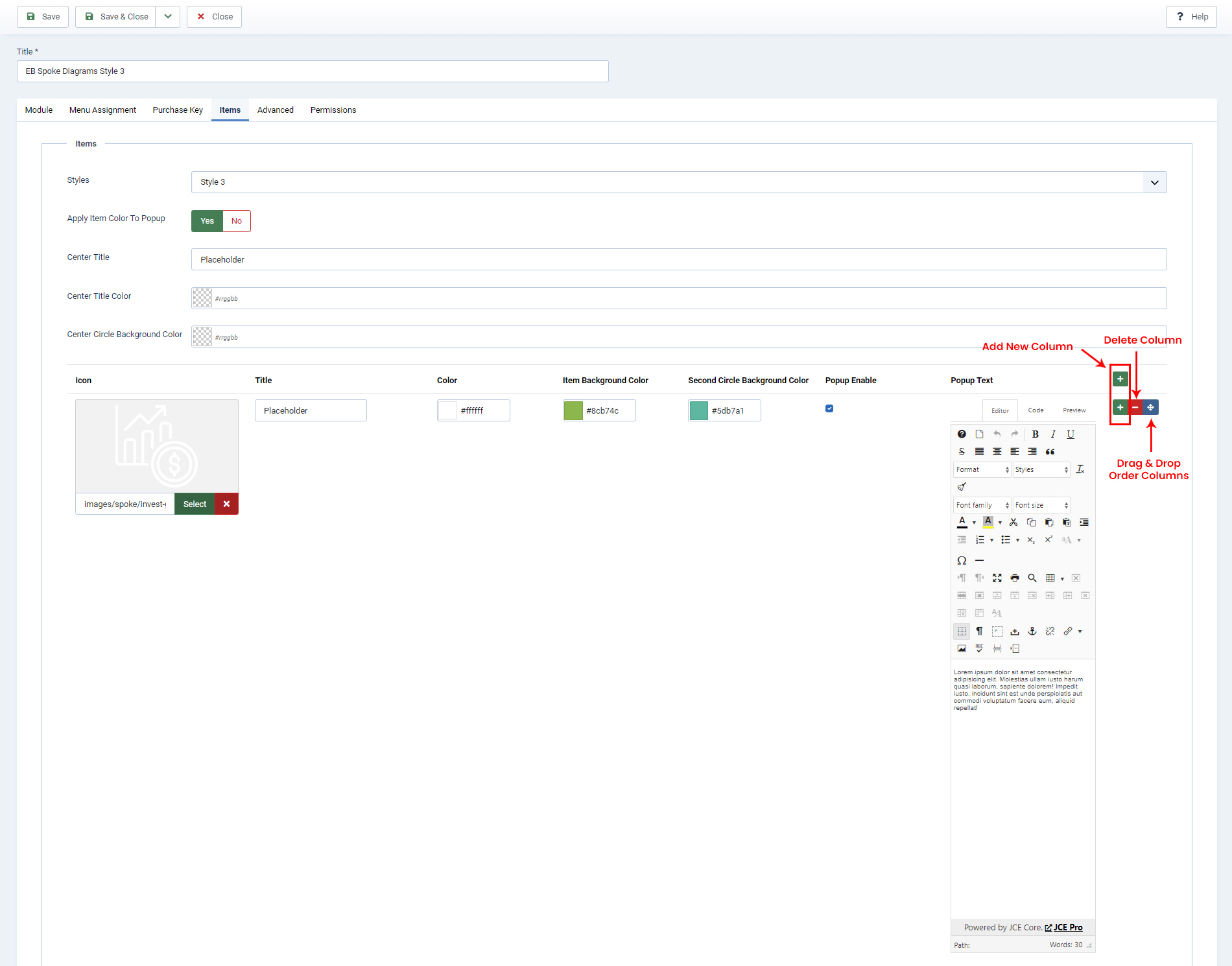
- Style 3
- Apply Item Color To Popup
- Center Title
- Center Title Color
- Center Circle Background Color
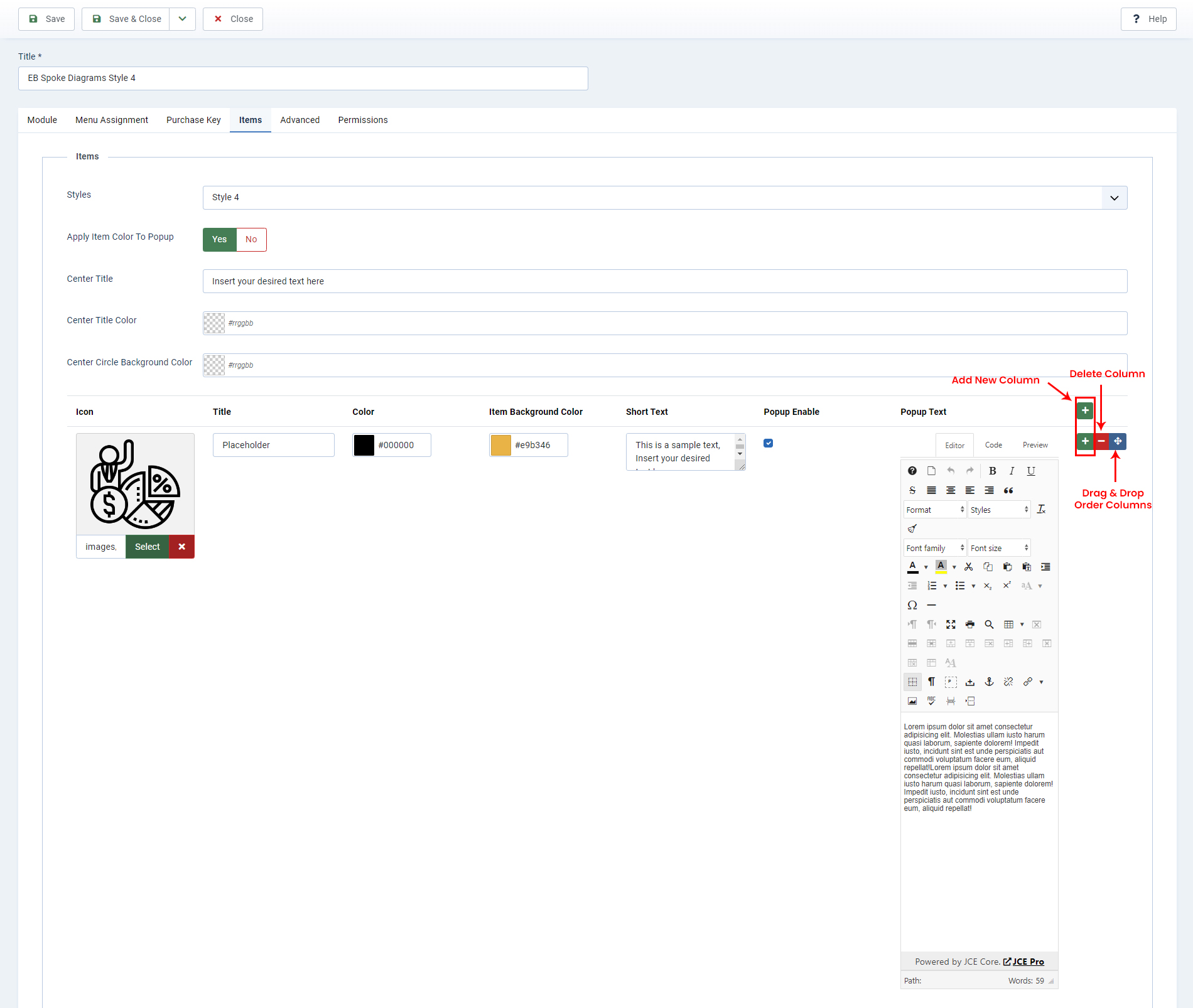
- Style 4
- Apply Item Color To Popup
- Center Title
- Center Title Color
- Center Circle Background Color
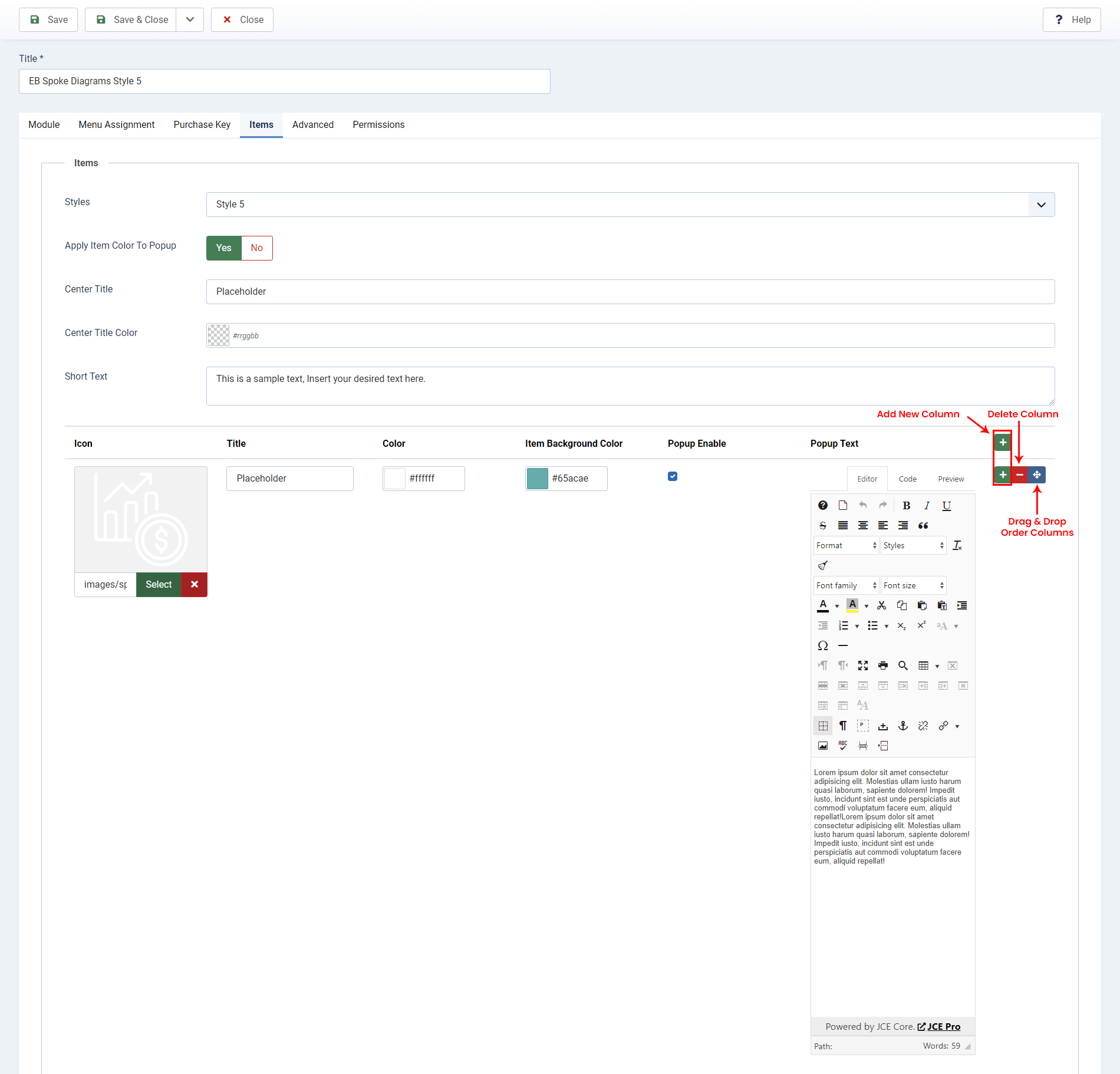
- Style 5
- Apply Item Color To Popup
- Center Title
- Center Title Color
- Short Text